Six Bugs, Six Lessons, Zero Error Messages
Part 3 of "Zero to the App Store in 7 Days"
Every bug in this article cost me hours. Some cost data. One nearly cost me the entire server. None of them threw a helpful error message.
This is the article I have been looking forward to writing, because these bugs taught me more about software engineering than any tutorial could. Each one broke something, and each one left behind a principle I will never forget.
1. The server lockout
Time lost: 2 hours. Data lost: none, by luck. Lesson: understand what you are disabling before you disable it.
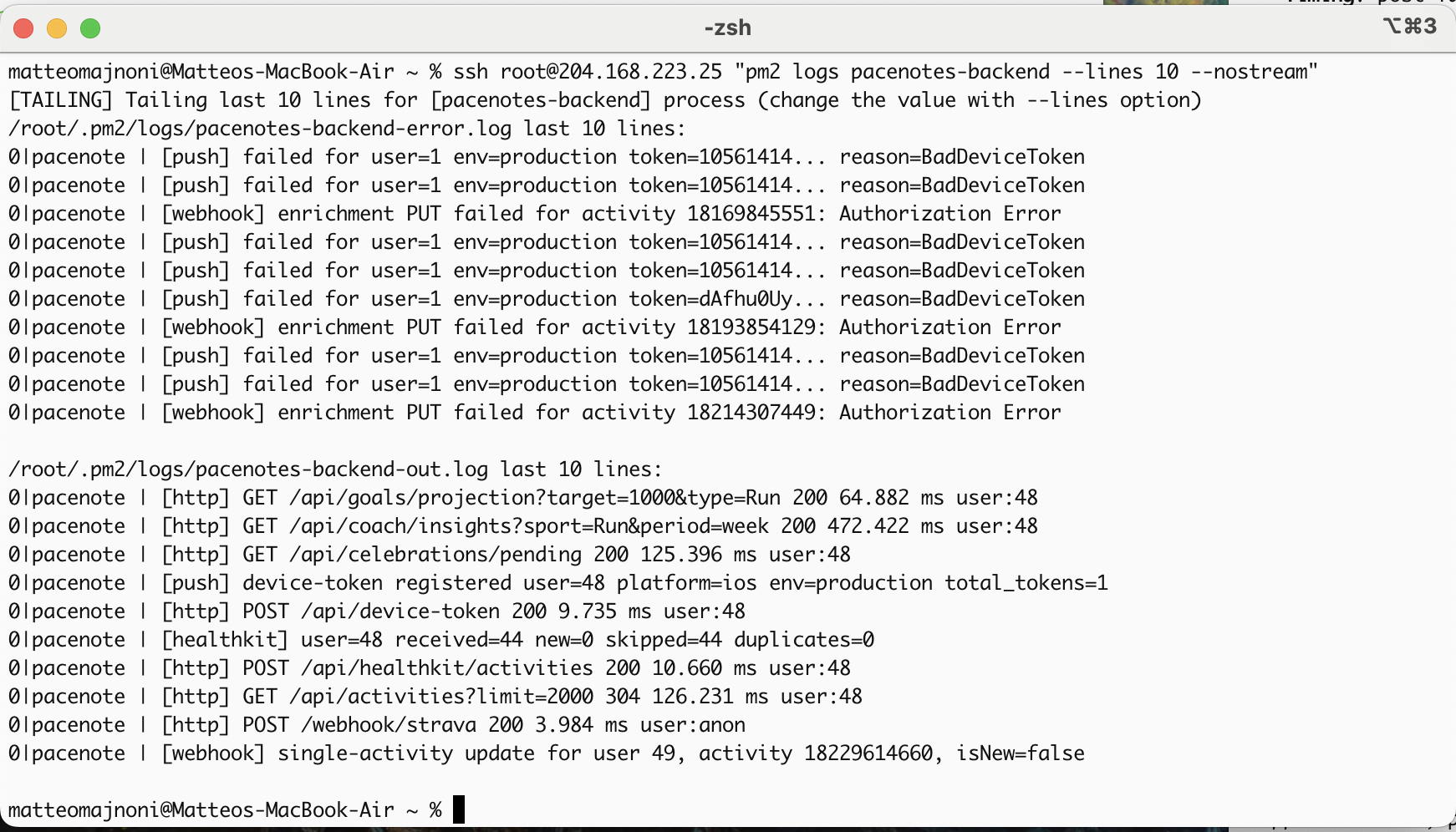
Back in late March, I was working from a hotel with restrictive WiFi that blocked port 22 (the standard SSH port). To get around it, I configured SSH to also listen on port 443, which the hotel WiFi allowed.
Weeks later, Nginx (the web server) started crashing on every server reboot. The error: bind() to 0.0.0.0:443 failed: Address already in use. Something was grabbing port 443 before Nginx could start.
The culprit was ssh.socket, a systemd service that was holding port 443 for SSH. I disabled it.
And immediately lost all access to my server.
On Ubuntu 24.04, ssh.socket is not optional. It is the default way SSH runs. Disabling it does not just free port 443. It kills SSH entirely. Port 22 included. No SSH, no terminal access, no way to fix it remotely.
I spent the next hour on the Hetzner web console, a browser-based emergency terminal where underscores rendered as hyphens, quotes got eaten, and multi-line commands merged into gibberish. I had to edit the SSH config using nano because nothing else worked reliably through that console.
The fix:
- Removed port 443 from SSH config (the hotel workaround that became a landmine)
- Enabled
ssh.service(the standalone SSH daemon) before disablingssh.socket - Tested SSH access before closing the console
The principle: quick infrastructure workarounds need a cleanup date or they become long-term landmines. And on Ubuntu 24.04, never disable ssh.socket without enabling ssh.service first.
2. The lost run
Time lost: 1 hour. Data lost: a 10km run through Paris, permanently.
This one still hurts.
I went for a run. A proper one: 10km through one of the nicest parks in Paris, recorded on the app with live GPS tracking. When I finished, I hit Save. The app showed a spinner, then crashed.
When I reopened the app, the run was gone. Not in the server database. Not in crash recovery. Gone.
Two bugs had stacked on top of each other:
- Bug A: PayloadTooLargeError. The GPS recording had 800+ coordinate points. The JSON payload was larger than Express's default 1MB body limit. The server rejected it with a 413 error that the app never displayed.
- Bug B: crash recovery cleared on stop, not on save confirmation. The app wiped its local backup the moment I hit Stop, before the server confirmed the save. So when the upload failed, there was nothing left to recover.
Either bug alone would have been survivable. Together, they were fatal.
The fixes:
express.json({ limit: '5mb' })for GPS-heavy payloads- Crash backup now preserved until the server returns a 201. The local data is only wiped after confirmation.
The principle: never clear a backup until the destination confirms receipt. And never assume your payload fits the default limits.
I fixed both bugs the same day. The run is still gone.
3. The ghost process
Time lost: 4 hours. Data lost: none. Lesson: know what is actually running.
On day 10, I deployed a fix to the Strava sync logic. Tested it locally. It worked. Deployed to the server. It did not work. The old behaviour persisted as if I had changed nothing.
I re-read the code. Correct. I redeployed. Same result. I added console.logs everywhere. They never appeared in the server logs.
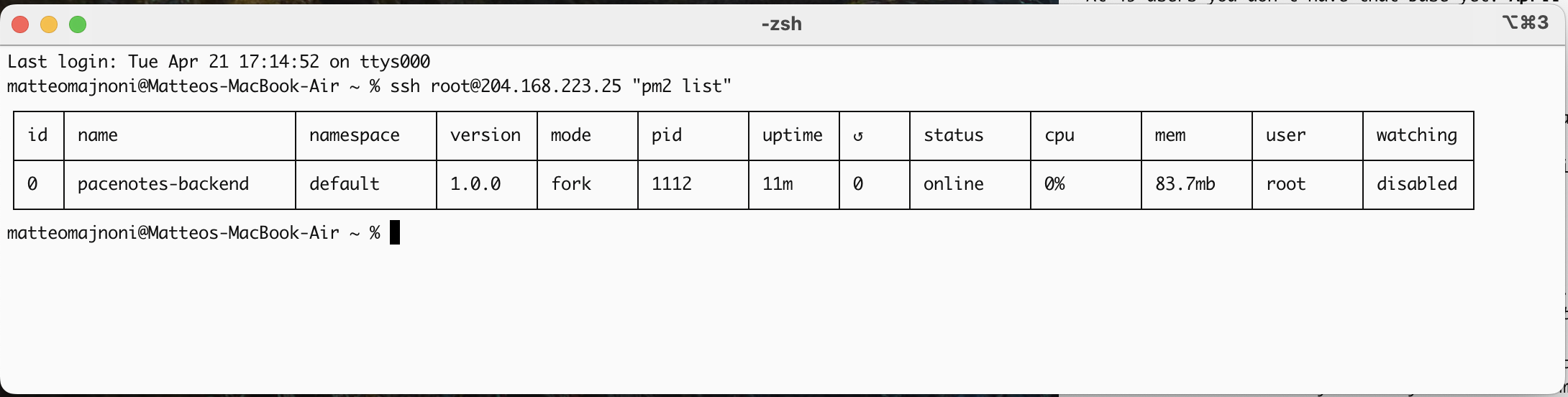
Four hours later, I discovered the problem. There were two PM2 processes running on the server. One called pacenotes (ID 0) and one called pacenotes-backend (ID 1). When I ran pm2 restart, it restarted ID 0, the ghost. My code was deployed to ID 1, which was never being restarted.
The ghost process was running code from days ago. Every deploy was loading the new code into the right process, but the traffic was being routed to the wrong one.
The fix: delete the ghost process permanently. Check pm2 list after every deploy. Never assume you know which process is live.
The principle: before debugging your code, verify that the code you are debugging is actually the code that is running. It sounds obvious. It cost me half a day.
4. Seven hundred thousand console.logs
Time lost: 3 hours. Data lost: none. Lesson: logging can kill your app.
HealthKit deduplication was one of the trickiest systems to build. When a user has activities in both Strava and Apple Health, the app needs to detect duplicates and keep the richer version.
To debug this, I added detailed logging: every comparison, every score, every match decision. Standard debugging practice.
The problem: 80 HealthKit activities compared against 1,420 Strava activities, with 6 log lines per comparison. That is over 700,000 console.log calls firing on app launch.
On desktop Chrome, this was slow but functional. On iOS, it was catastrophic.
Capacitor's iOS WebView communicates with the native layer through an IPC (Inter-Process Communication) bridge. 700,000 messages through that bridge triggered throttling. The WebView froze. The app became unresponsive. No error message. No crash report. Just a white screen.
The fix: wrapped all dedup logging behind a DEBUG_DEDUP = false flag. Toggle to true when actively debugging, false in production. Total log output went from 700,000 lines to zero.
The principle: debug logging is not free. On mobile, it can be actively destructive. Every console.log in a Capacitor app is a message across the native bridge. Keep production logs minimal and conditional.
5. The password that ate itself
Time lost: 1 hour. Data lost: all login ability.
After a security review, I decided to change the default password. I SSH'd into the server and ran a SQLite command to update the password hash directly.
Login broke immediately. "Invalid email or password." The account existed. The email was correct. The hash was... wrong.
Bcrypt hashes are full of $ characters. They look like this: $2b$10$8Vd3T4IjObO9tJrlvKE9te...
Bash interprets $ as variable references. $2b becomes empty. $10 becomes empty. $8Vd3 becomes empty. The hash that was stored in the database was a mangled fragment of what I typed.
No error. No warning. Bash silently ate the most important characters in the string.
The fix: never use the sqlite3 CLI to write bcrypt hashes. Always use Node.js (or any runtime) with parameterised queries:
const hash = bcrypt.hashSync('newpassword', 10);
db.prepare('UPDATE users SET password_hash = ? WHERE id = 1').run(hash);
The ? placeholder bypasses shell interpretation entirely.
The principle: if your data contains special characters, never trust the shell to pass it through faithfully. Use parameterised queries for everything, not just SQL injection prevention.
6. The invisible database lock
Time lost: a full day of production instability. Data lost: none. Lesson: monitoring tools can cause the problems they are designed to detect.
On day 22, the app started intermittently failing. Users could not commit training plans. Syncs would hang. The errors were inconsistent and unreproducible.
The cause was a tmux session I had left running on the server eight days earlier. Inside it, a monitoring dashboard was executing a massive SQLite query every 5 seconds via watch -n 5 dashboard.sh.
SQLite uses file-level locks. Every 5 seconds, the monitoring script held a read lock long enough to starve the Node.js process during write operations. The app was fighting its own monitoring tool for database access.
The fix was tmux kill-server. The moment the monitoring stopped, every intermittent error disappeared.
The principle: monitoring tools that touch production resources can cause the very problems they are meant to detect. The dashboard should have used a read-only replica or hit an HTTP endpoint, not the production database directly.
What the bugs taught me
Every bug in this list shares a pattern: the system failed silently. No helpful error message. No crash report. No red warning banner saying "you are about to lock yourself out of your server."
Silent failures are the hardest to debug because you do not know where to look. The code was correct (bug 3). The payload looked fine (bug 2). The command appeared to work (bug 5). The monitoring seemed healthy (bug 6).
The principles that emerged:
- Quick workarounds need cleanup dates or they become landmines
- Never clear a backup until the destination confirms receipt
- Verify what is actually running, not what you think you deployed
- Debug logging is not free on mobile; it can kill your app
- Never trust the shell with special characters; use parameterised queries
- Your monitoring can cause the failures you are monitoring for
These are not things you learn from documentation. You learn them at 11pm on a Tuesday, staring at logs that show nothing, wondering if the problem is you or the machine.
It is always the machine. But it is always your fault.
What comes next
Part 4 is the Apple App Store process. Six submission blockers, a build that was stuck forever, and the trap that silently kills push notifications for every App Store user.
If you missed the earlier parts:
🐃
Pacenotes is free and available on the App Store. Follow the journey on LinkedIn.